
AI is no longer a side tool designers open when they need a quick image or a line of copy. It is becoming part of the everyday workflow. Designers use it to explore ideas, study user feedback, build prototypes, create assets, test directions, and get closer to working code without constantly switching tools.
The range is broad: one project might call for an AI coding assistant, another for an image generator, and another for a tool such as genroom.io to quickly explore how a room, facade, or outdoor space could look in a different style.
That speed changes the job. The real advantage is not simply producing one screen or concept faster. It is being able to look at more possibilities, compare them, discard the weak ones, and make a better-informed choice before too much time has been invested in a single direction.
AI as a creative partner
The blank canvas is expensive. AI makes it easier to get past it.
A product designer can ask for several onboarding approaches, alternative information architectures, interface copy, or visual directions in minutes. The same principle applies outside product design: a moodboard generator can help explore an aesthetic, while a bathroom design tool can offer a quick way to compare possible directions for a specific interior space. None of these first results needs to be the answer. Their value is in giving the designer something concrete to react to.
Modern design tools are leaning into this workflow. Figma can generate and edit design layers, explore several directions in parallel, make bulk changes, and move work between visual design and coded prototypes. Photoshop can add, remove, expand, and adjust image content with generative tools while keeping the work editable.
The designer still decides what feels clear, useful, on-brand, and worth keeping.
Faster research and synthesis
Research is another area where AI saves real time. A designer may have interview notes, survey answers, support tickets, analytics, and session summaries spread across different tools. Desk research can stretch from competitor pages and product reviews to forum discussions and searches for AI room design free tools, depending on what people are trying to understand or compare.
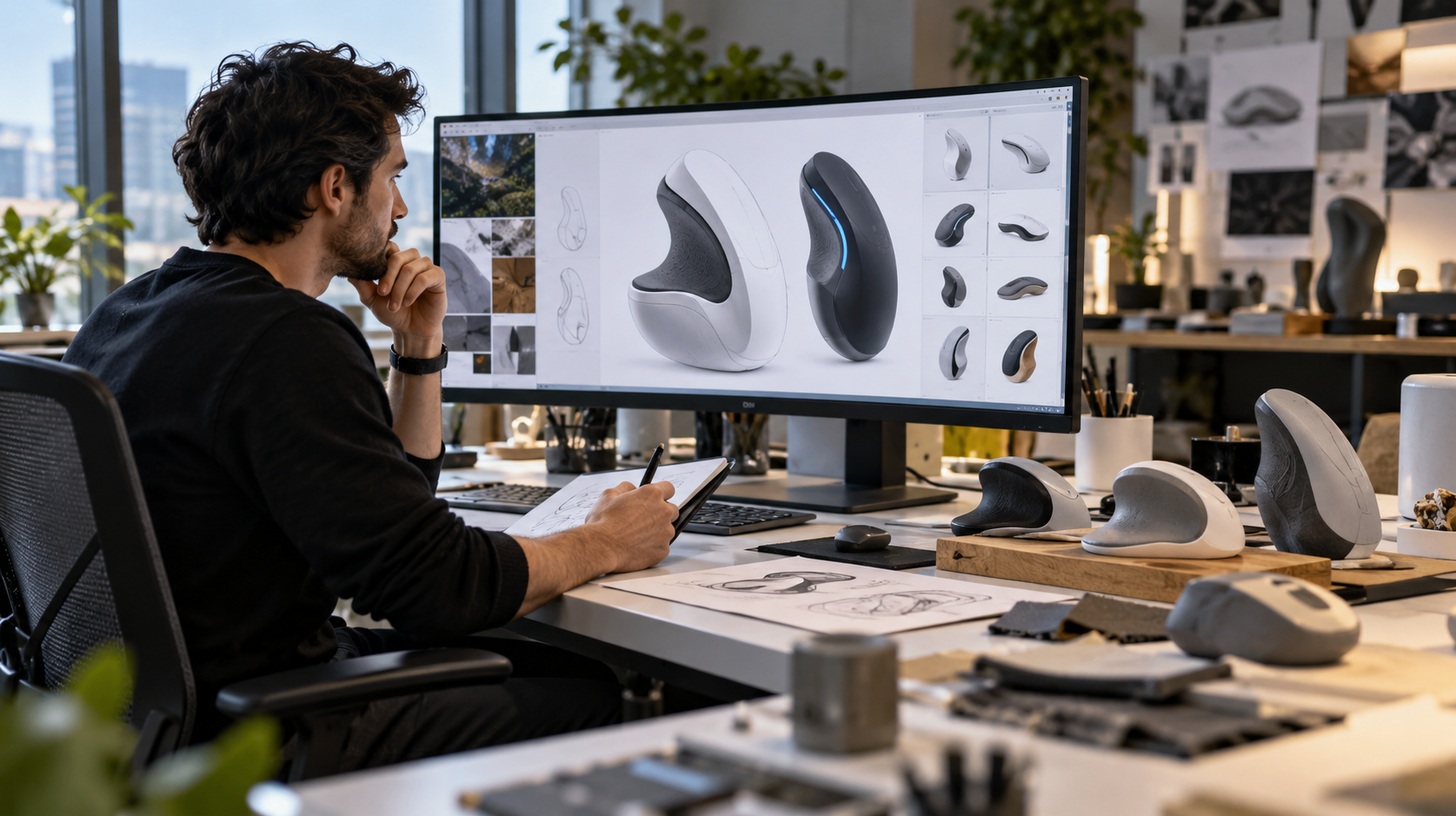
AI can help sort that material, group recurring themes, summarize long conversations, and surface patterns that deserve a closer look.
This does not replace research judgment. A model can flatten nuance, overstate a pattern, or miss the reason behind a user’s behavior. The useful workflow is simple: let AI process the volume, then let a human check the evidence and decide what it actually means.
From mockup to working prototype
One of the biggest changes is how quickly an idea can become interactive.
Designers can now describe behavior in plain language, start from an existing design system, and generate a prototype that is much closer to the real product. That makes early testing cheaper. Instead of debating a static screen, teams can click through an idea, find weak spots, and revise it while the problem is still small.
It also narrows the old gap between design and development. Designers can think more about states, logic, edge cases, and behavior, while developers get clearer context about what the experience is meant to do.
More output does not mean better design
AI makes production easy. Judgment is still hard.
A polished layout can be generated before anyone has proved that the feature solves a real problem. An image can look convincing and still be wrong for the brand. A research summary can sound confident while hiding weak evidence.
That is why the designer’s role is shifting rather than disappearing. The work moves toward direction, editing, systems thinking, taste, accessibility, and quality control. In Figma’s latest global survey, most designers said AI helps them work faster and improve their designs. The same research points to a bigger shift: when prototypes are easy to produce, deciding what is worth building matters more.
Where AI helps most
The strongest use cases are practical: getting unstuck, producing variations, cleaning up repetitive work, turning rough ideas into prototypes, adapting content, exploring visual concepts, and scanning large amounts of feedback.
The best results usually come when AI has context. Give it real components, brand rules, user needs, constraints, and examples. A vague prompt produces a vague design. A well-framed problem gives the tool something useful to work with.
AI can make a designer faster. It can widen the search space and remove a lot of mechanical work. But it cannot decide what deserves to exist. That still comes from understanding people, making trade-offs, and knowing when a technically impressive answer is simply the wrong one.